



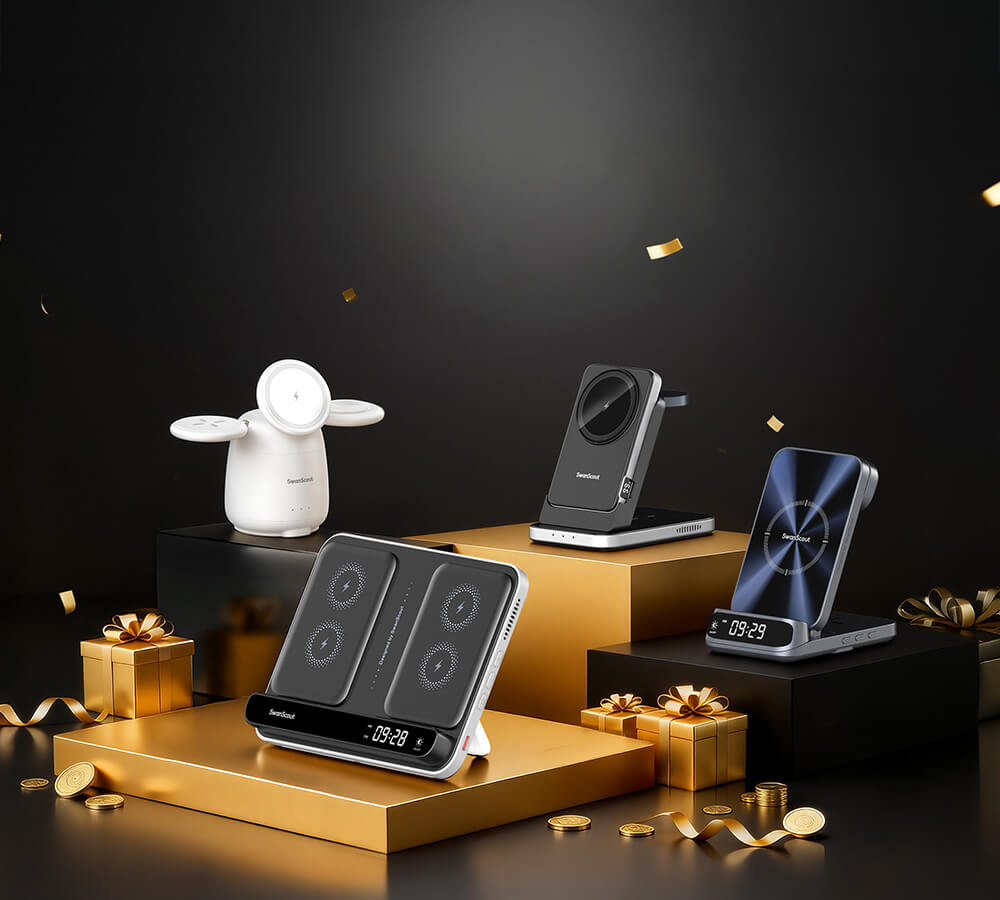


 SAVE 36%
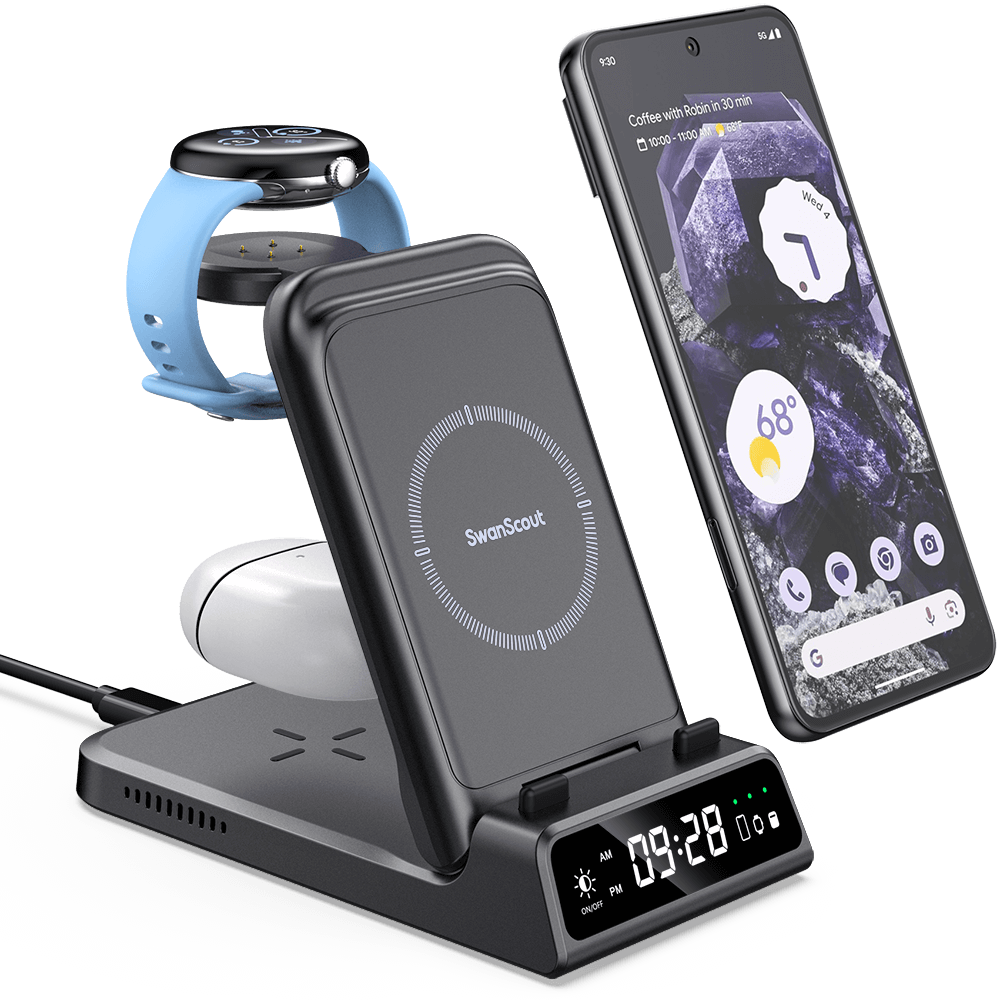
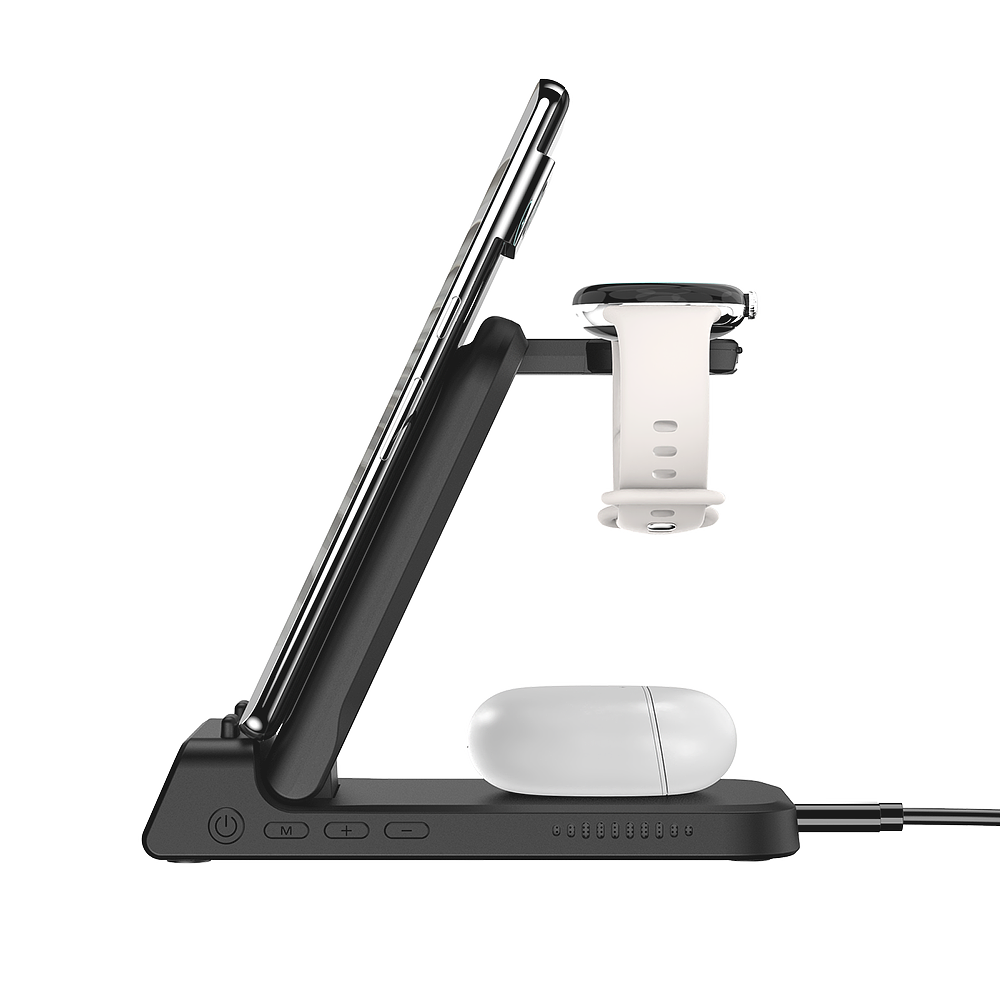
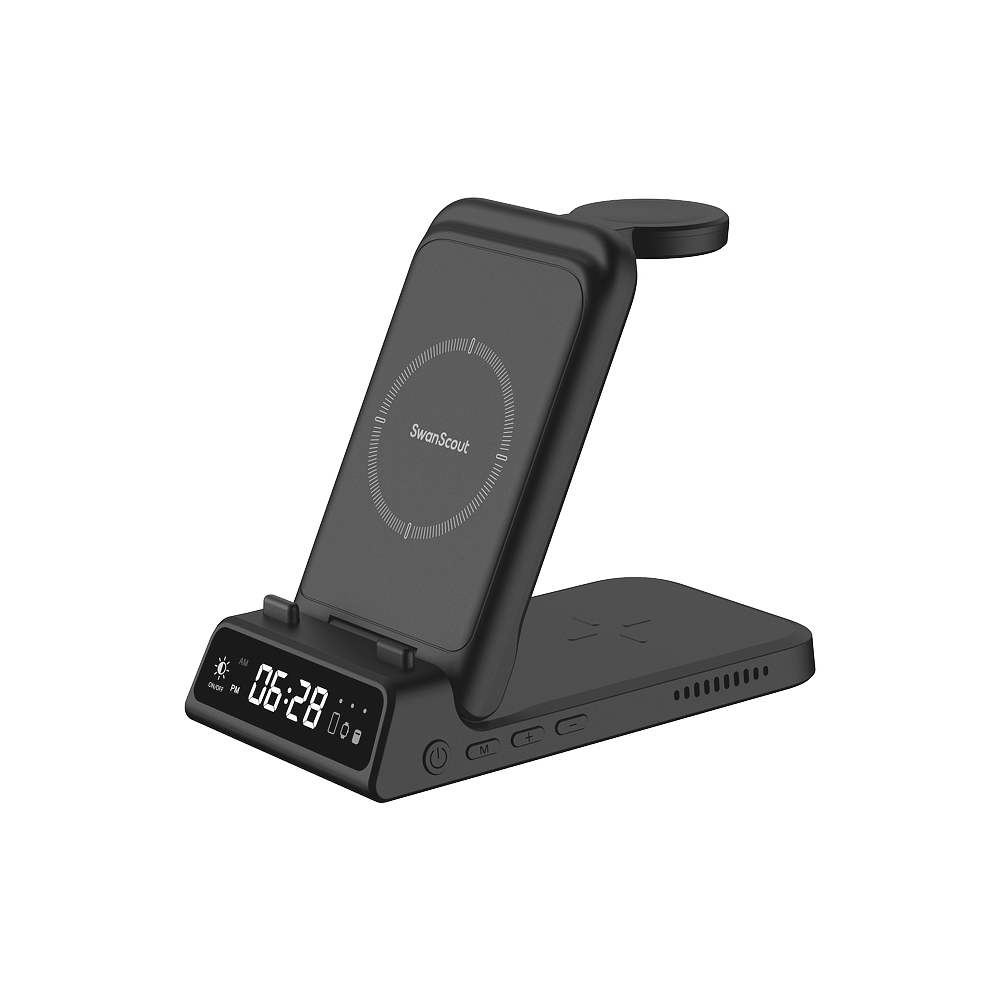
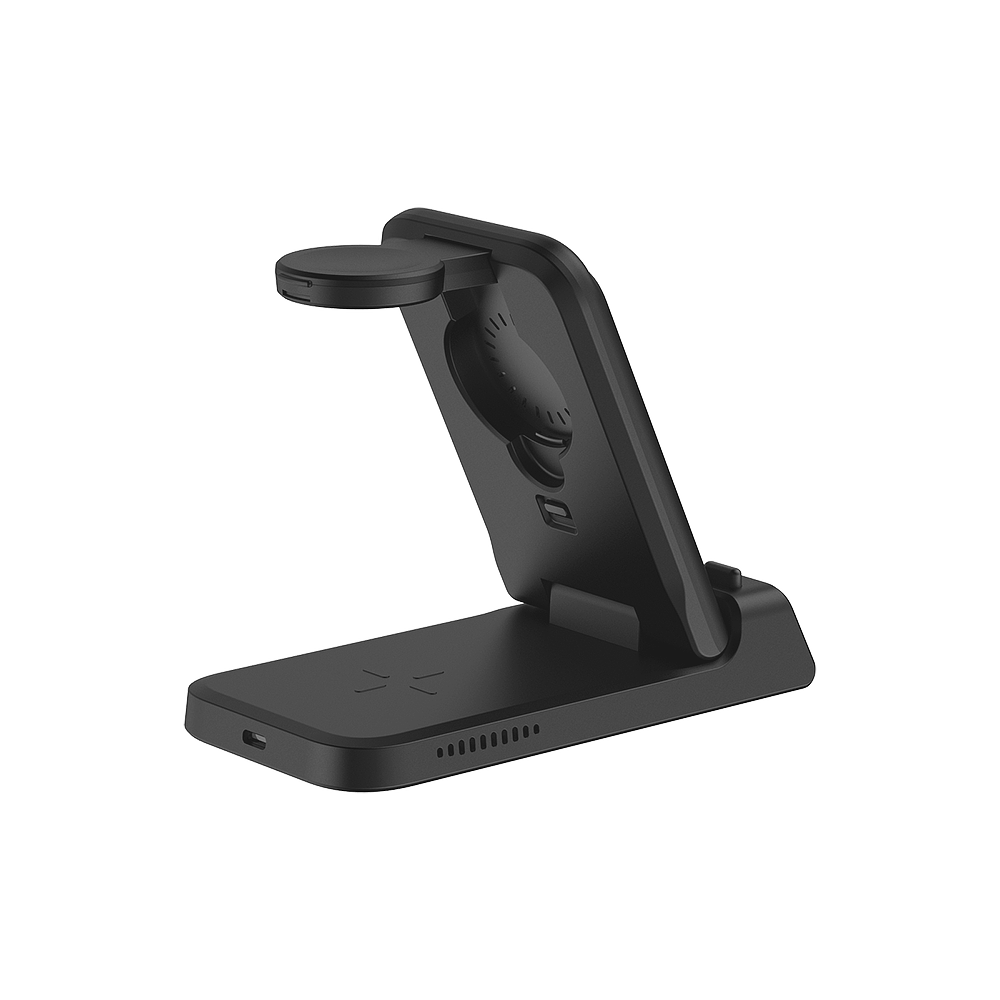
Phone Models
Google Pixel 9 Pro / 9 Pro XL / 9 / 8a / 8 Pro / 8 / Fold / 7a / 7 Pro / 7
Google Pixel 6a / 6 Pro / 6 / 5a / 5 / 4a / 4 XL / 4
*And Other Wireless Charging Phones.
Earbuds Models
Google Pixel Buds Pro 2 / Buds Pro
*And Other Earbuds with Wireless Charging Case.
Watch Models
Google Pixel Watch
*Not for Google Pixel Watch 2 And 3, Other Watches.
1 * SwanScout 703G Wireless Charging Station
1 * USB-A to USB-C Charge Cable (4.92ft / 1.5m)
1 * User Manual
1 * After-Sales Card
Dimensions & Weight
Height: 1.06in. / 2.7cm
Length: 5.87in. / 14.9cm
Width: 3.03in. / 7.7cm
Weight: 7.51oz. / 213g
Specifications
Input: 5V⎓3A / 9V⎓2A / 12V⎓1.5A
Output for Phone: 10W (Max)
Output for Earbus: 3.5W (Max)
Output for Watch: 2.5W (Max)
*The suggestion is to use a 25W adapter.
User Manual
Download
Time Format Setting:
Press"Time Setting"button to select 12/24-hour format.
Hours / Minutes Setting:
- Hold "Time Setting" button for 3 seconds to enter adjustment mode.
- Press "Time Setting” button to switch between hours and minute.
- Adjust with "+/-" buttons.
- Wait 5 seconds to complete the setting.
- What should I do if the clock display screen is not working?
If the clock display screen is not showing the time, it may be due to a low battery in the clock. Please charge it for at least 30 minutes and try again. - Why does the charging status show a flashing red light?
A flashing red light indicates foreign object detection. Please ensure the device being charged is compatible with the product. If your phone has a case, remove it and try charging again. - What is the difference between SwanScout 703G and SwanScout 703G2?
Both products are 3-in-1 wireless chargers compatible with Google devices. The only difference lies in the watch charging compatibility: SwanScout 703G supports the Pixel Watch, while SwanScout 703G2 is compatible with the Pixel Watch 2 and 3. - Does this product have any other names or variations?
This product is also referred to as the Wireless Charger for Pixel Watch , Wireless Charging Station for Google, Wireless Charging Stand for Google, 3 in 1 Wireless Charger for Google, and 3 in 1 Wireless Charging Station for Google.Regardless of the name, it provides reliable and efficient charging for Google devices.
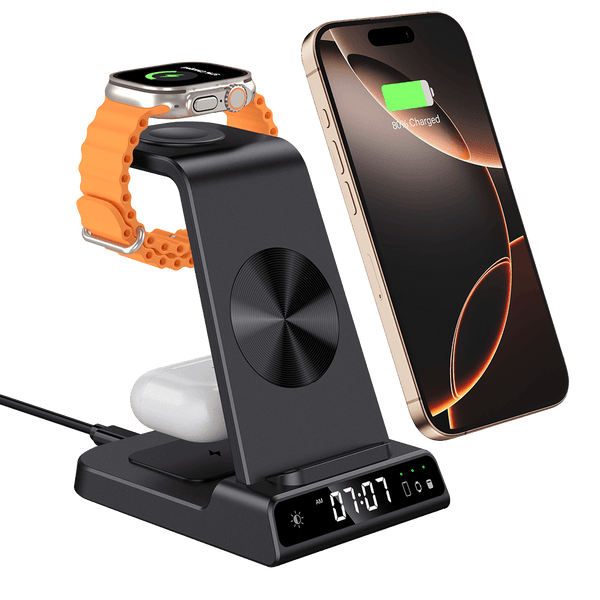
SwanScout 703G - 3 in 1 Foldable Wireless Charger for Pixel Watch 1 with Clock
Elegant Wireless Charging Stand for Google Pixel Watch 1 (Not for Pixel Watch 3/2), Google Pixel Stand for Pixel 9 Pro Fold/9 Pro/9 Pro XL/9/8 Pro/8a/8/7 Pro/7/6/6 Pro, Pixel Wireless Charger for Pixel Buds Pro 2 / Buds Pro– Portable Charging Stand for Travel (Adapter not Included).
Tax included.
- 3-in-1 Google Device Charging: Power your Pixel phone, Pixel Watch, Earbuds, and more at the same time—no need to carry multiple chargers. (Not compatible with Google Watch 2/3/4.)
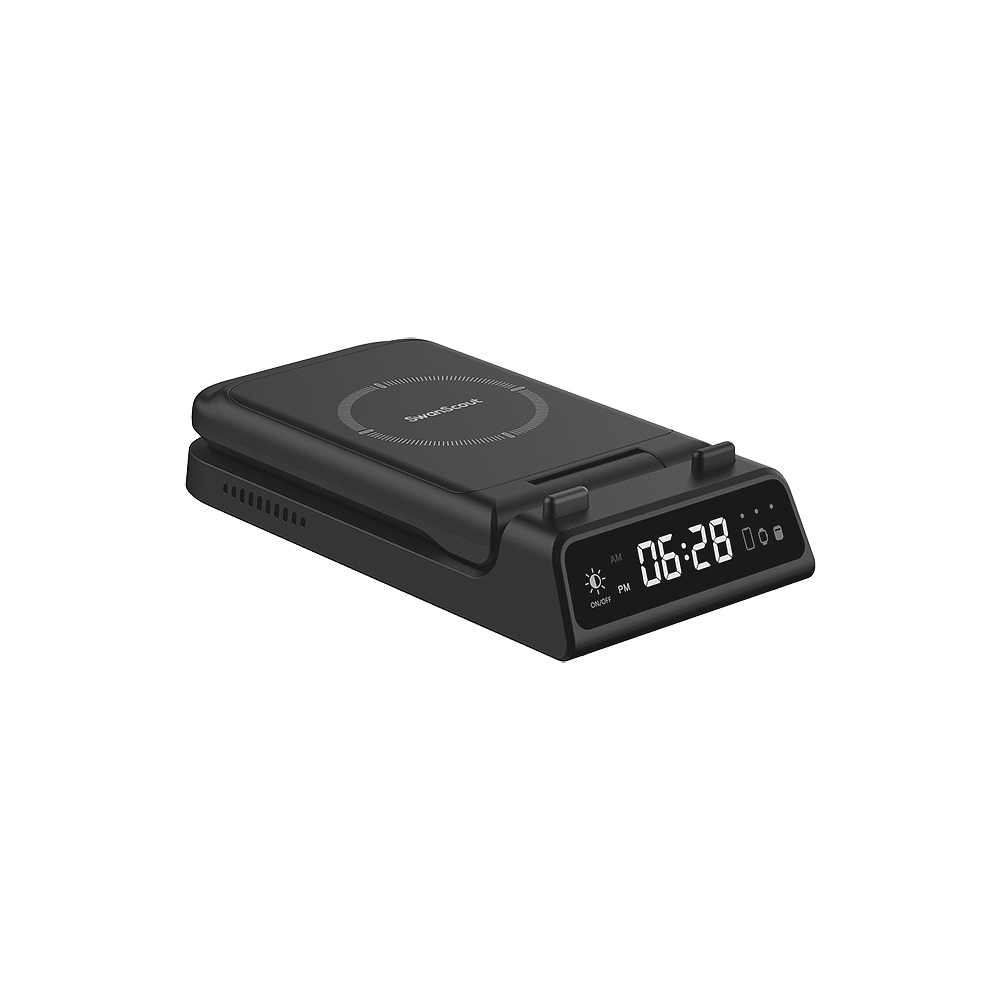
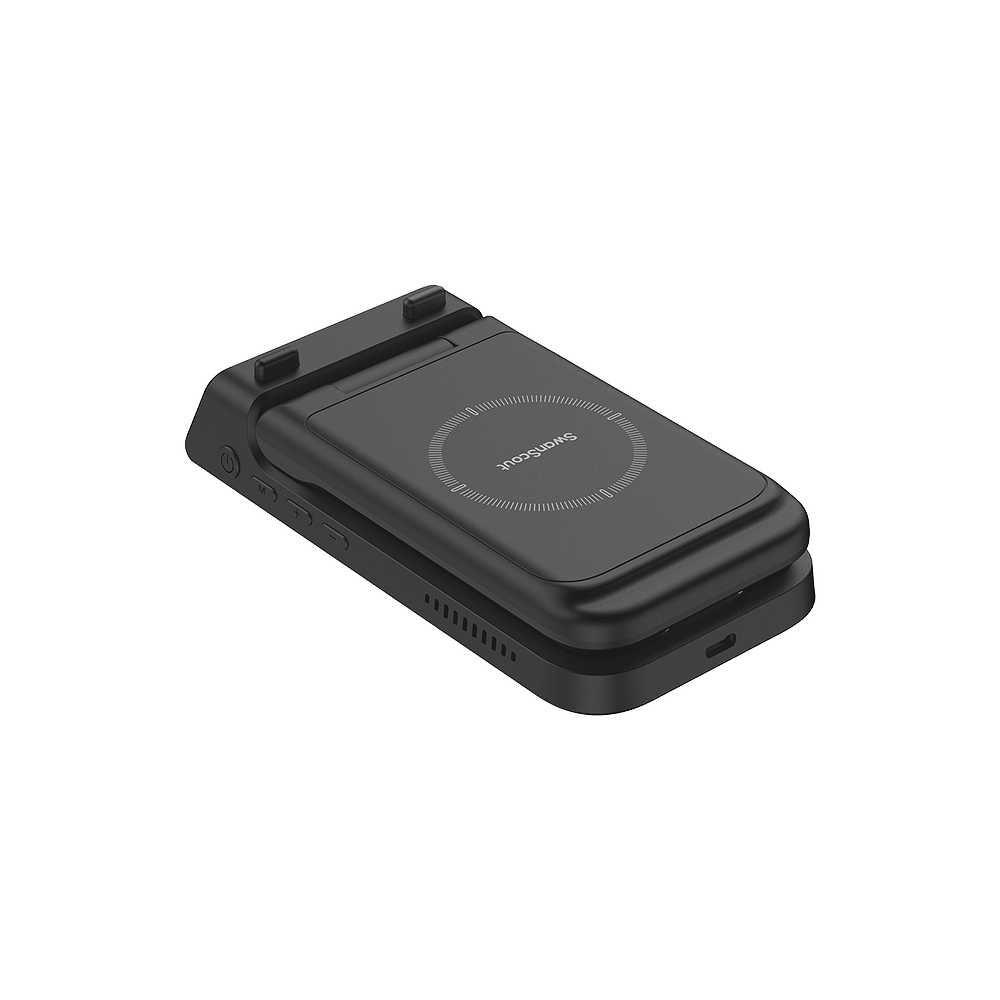
- Foldable & Portable Design: Built to fit your lifestyle, it folds flat for easy storage and doubles as a phone stand; press the charging button anytime to start or stop power.
- Clock Display with Adjustable Brightness: A built-in digital clock adds a refined touch to any room, with customizable brightness for bedside or desk use. (No alarm included.)
- Smart Safety Protection: Advanced safeguards prevent overheating, overcharging, and short circuits, ensuring safe and reliable power for all your Google devices.
Phone Models
Google Pixel 9 Pro / 9 Pro XL / 9 / 8a / 8 Pro / 8 / Fold / 7a / 7 Pro / 7
Google Pixel 6a / 6 Pro / 6 / 5a / 5 / 4a / 4 XL / 4
*And Other Wireless Charging Phones.
Earbuds Models
Google Pixel Buds Pro 2 / Buds Pro
*And Other Earbuds with Wireless Charging Case.
Watch Models
Google Pixel Watch
*Not for Google Pixel Watch 2 And 3, Other Watches.
1 * SwanScout 703G Wireless Charging Station
1 * USB-A to USB-C Charge Cable (4.92ft / 1.5m)
1 * User Manual
1 * After-Sales Card
Dimensions & Weight
Height: 1.06in. / 2.7cm
Length: 5.87in. / 14.9cm
Width: 3.03in. / 7.7cm
Weight: 7.51oz. / 213g
Specifications
Input: 5V⎓3A / 9V⎓2A / 12V⎓1.5A
Output for Phone: 10W (Max)
Output for Earbus: 3.5W (Max)
Output for Watch: 2.5W (Max)
*The suggestion is to use a 25W adapter.
User Manual
Download
Time Format Setting:
Press"Time Setting"button to select 12/24-hour format.
Hours / Minutes Setting:
- Hold "Time Setting" button for 3 seconds to enter adjustment mode.
- Press "Time Setting” button to switch between hours and minute.
- Adjust with "+/-" buttons.
- Wait 5 seconds to complete the setting.
- What should I do if the clock display screen is not working?
If the clock display screen is not showing the time, it may be due to a low battery in the clock. Please charge it for at least 30 minutes and try again. - Why does the charging status show a flashing red light?
A flashing red light indicates foreign object detection. Please ensure the device being charged is compatible with the product. If your phone has a case, remove it and try charging again. - What is the difference between SwanScout 703G and SwanScout 703G2?
Both products are 3-in-1 wireless chargers compatible with Google devices. The only difference lies in the watch charging compatibility: SwanScout 703G supports the Pixel Watch, while SwanScout 703G2 is compatible with the Pixel Watch 2 and 3. - Does this product have any other names or variations?
This product is also referred to as the Wireless Charger for Pixel Watch , Wireless Charging Station for Google, Wireless Charging Stand for Google, 3 in 1 Wireless Charger for Google, and 3 in 1 Wireless Charging Station for Google.Regardless of the name, it provides reliable and efficient charging for Google devices.
Choose options
Tax included.
Foldable & Travel-Ready
Compact design makes it your perfect on-the-go companion.
One-Click Brightness
Instantly adjust the display brightness for any mood or moment.

One Cable
Change Your Life
Flexible Clock Display
Easily switch between 12-hour and 24-hour formats with a single click.
Stop Overcharging
Prevents batteries from overcharging once fully charged.
Safety and Performance
Heat dissipation, temperature protection, overcharge safety, and foreign object detection ensure worry-free use.

Bedroom
Forget the frustration of waking up to low battery—your devices are charged and ready.

Workspaces
Streamline your workspace with neat, cable-free charging for all your devices.

Kitchen
From watching cooking tutorials to messaging friends, charge your device comfortably in landscape or portrait.
Compatibility
Device Type
Compatible Models
Phones
Google Pixel 9 Pro
Google Pixel 9 Pro XL
Google Pixel 9
Google Pixel 8a
Google Pixel 8 Pro
Google Pixel 8
Google Pixel Fold
Google Pixel 7a
Google Pixel 7 Pro
Google Pixel 7
Google Pixel 6a
Google Pixel 6 Pro
Google Pixel 6
Google Pixel 5a
Google Pixel 5
Google Pixel 4a
Google Pixel 4 XL
Google Pixel 4
*And Other Wireless Charging Phones
Watches
Google Pixel Watch
*Not for Google Pixel Watch 2 And 3, Other Watches
Earbuds
Google Pixel Buds Pro 2
Google Pixel Buds Pro
*And Other Earbuds with Wireless Charging Case
Product Comparison
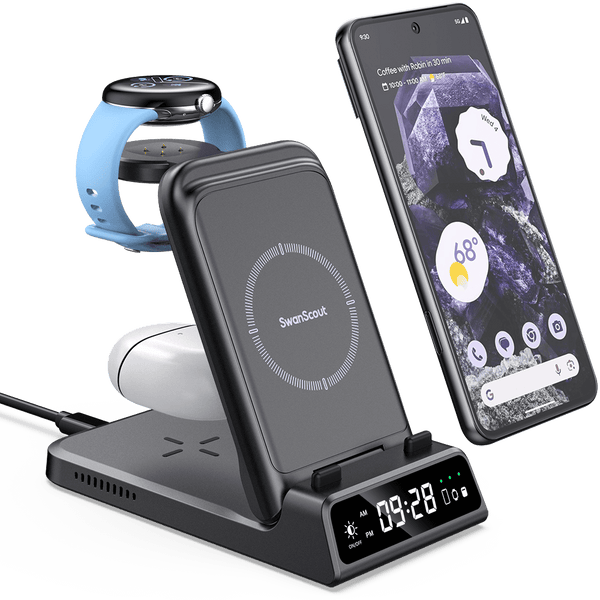

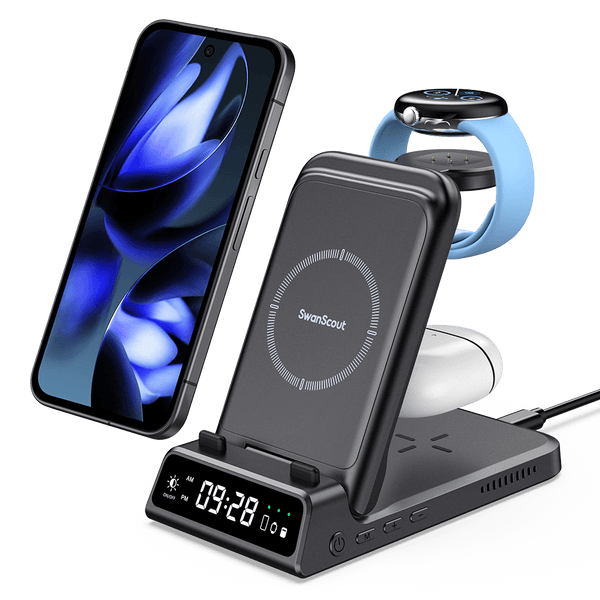

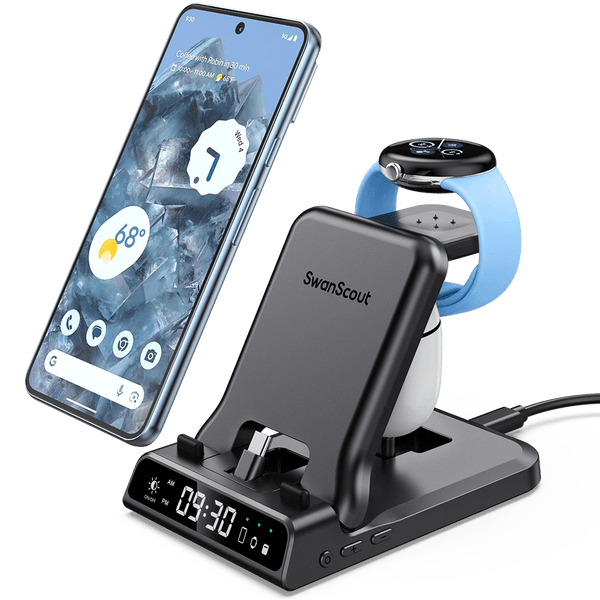

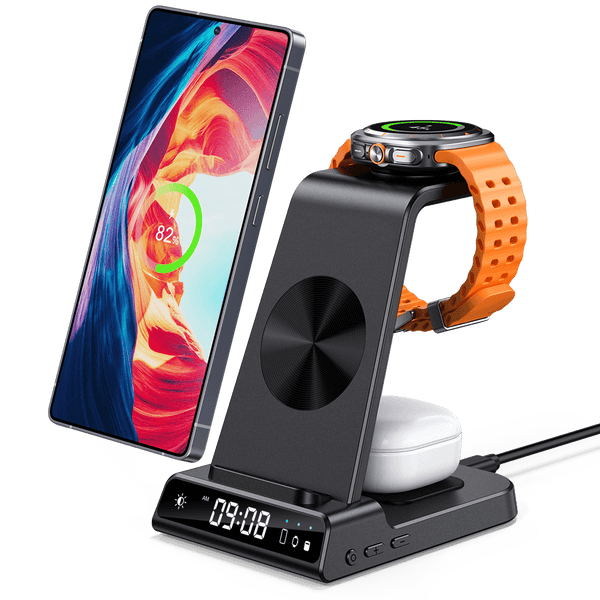


Google Devices
Specifically for Google Pixel Watch 1
Not for Google Pixel Watch 3/2
Google Devices
Specifically for Google Pixel Watch 2/3
Not for Google Pixel Watch 1
Google Devices
Specifically for Google Pixel Watch 2/3
Not for Google Pixel Watch 1
Samsung Devices
Apple Devices
Google Devices
Specifically for Google Pixel Watch 1
Not for Google Pixel Watch 3/2
Google Devices
Specifically for Google Pixel Watch 2/3
Not for Google Pixel Watch 1
Google Devices
Specifically for Google Pixel Watch 2/3
Not for Google Pixel Watch 1
Samsung Devices
Apple Devices